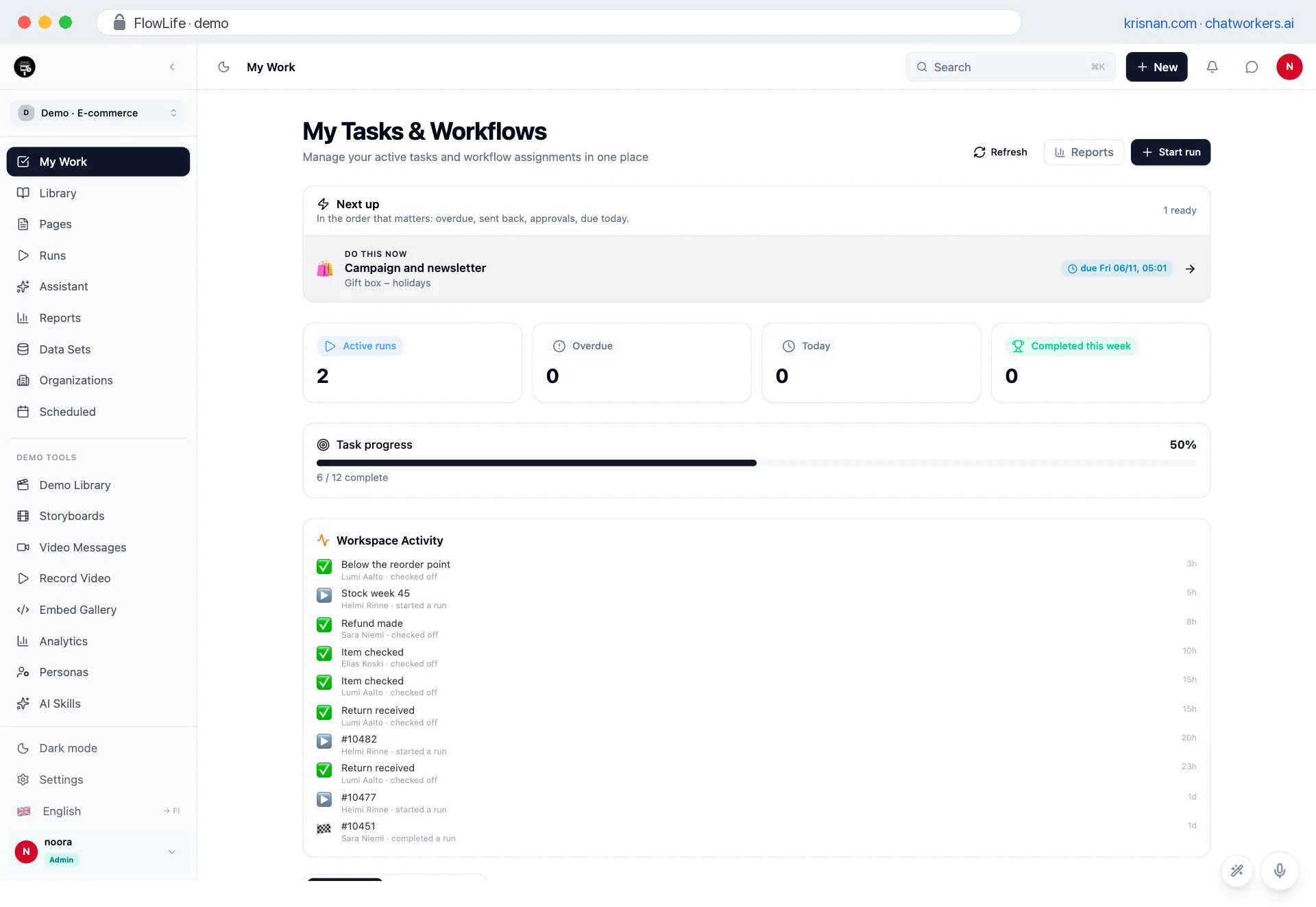
Work starts in the inbox – and carries on in your pocket
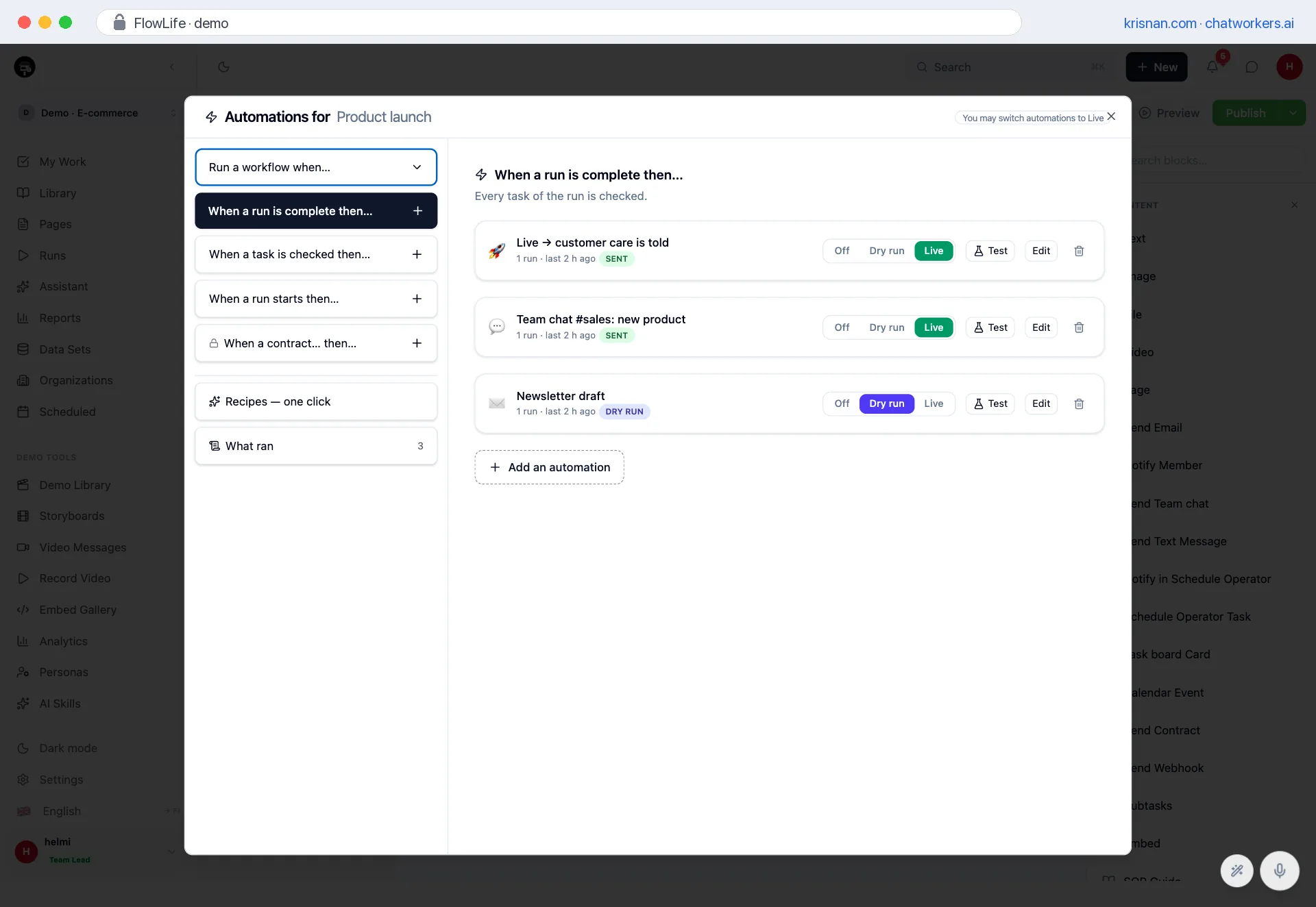
A client's request, an order or an invoice lands in the inbox. When the message starts the workflow by itself and the next task is on the phone, nobody has to be the go-between.
Many processes start the same way: a message arrives, someone notices it, copies the details onwards and tells a colleague. If the message goes unread or the copier is on holiday, the work never starts – and nobody notices until the client asks.
The message is the trigger, not the task
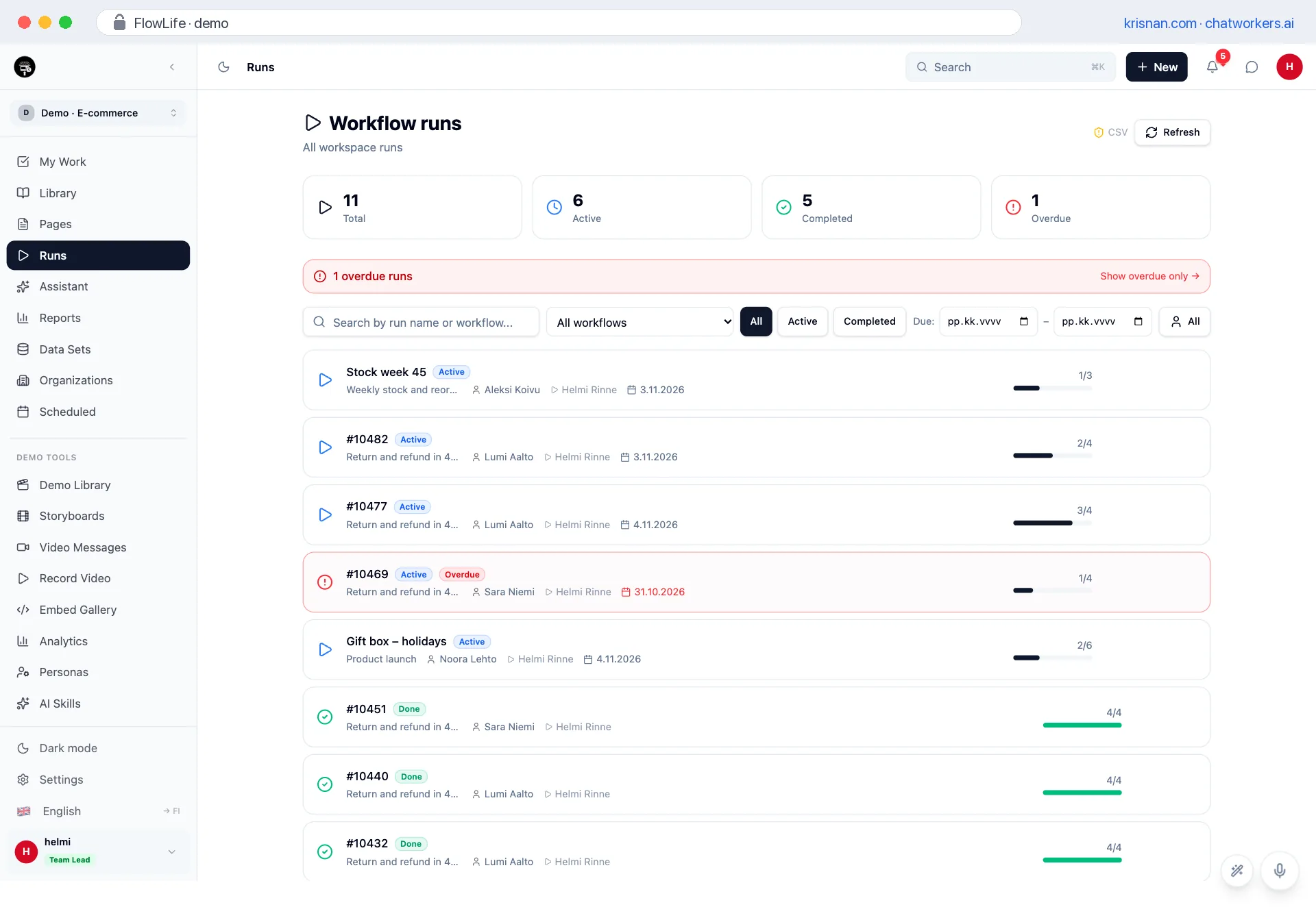
In FlowLife a workflow gets its own address. When the message arrives, the run starts by itself: the subject names the run, «Field: value» lines fill the form, the sender goes to the e-mail field and the whole message stays on the run as a comment. The first task lands straight in the right person's Next up queue.
The address can be limited: only messages from your own domain or named partners start a run. The same message never starts two runs, even if it is forwarded again.
The next task travels with you
FlowLife installs on the phone's home screen with its own icon. Your work opens with one tap, full screen, and an approval can be done in the hallway before the next meeting. If the connection drops, the app says so clearly instead of leaving a blank screen.
The calculator shows how many hours a week now go to moving messages around and chasing them.